Create a RAG Hallucination - Response Relevance Policy
RAG Hallucination - Response Relevance policies can be used to detect if a model response is relevant to the user input. See the Hallucination Policies page in Key Concepts for more details on the RAG Hallucination policies.
1. Select Policy Type
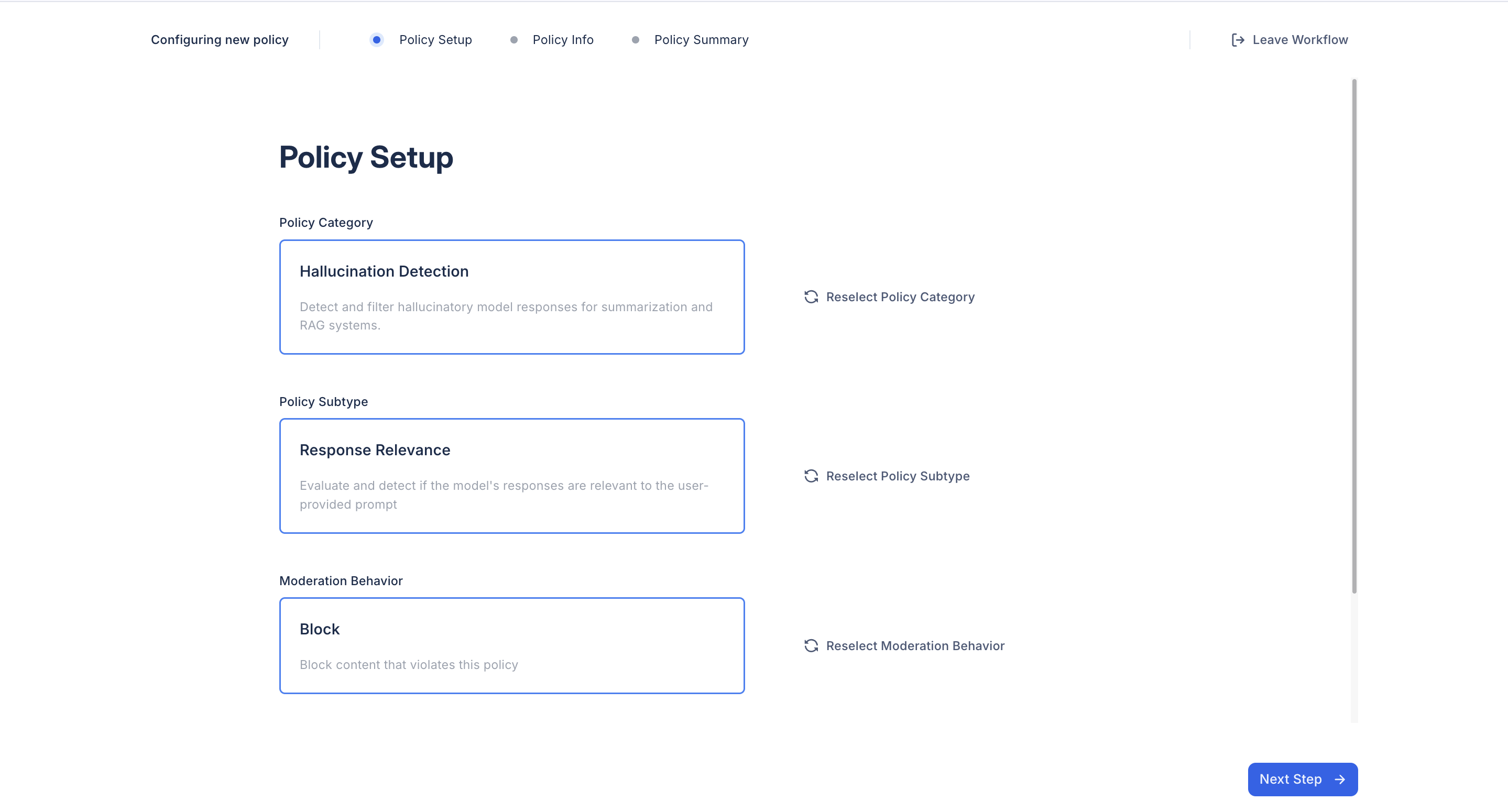
After selecting the Hallucination Detection policy option, select the Response Relevance policy subtype.
2. Select a Moderation Behavior
Choose the moderation behavior for your policy. RAG Hallucination policies support two behaviors:
- Flag: Flag content for moderator review
- Block: Block model outputs containing hallucinated content
3. Provide Policy Details
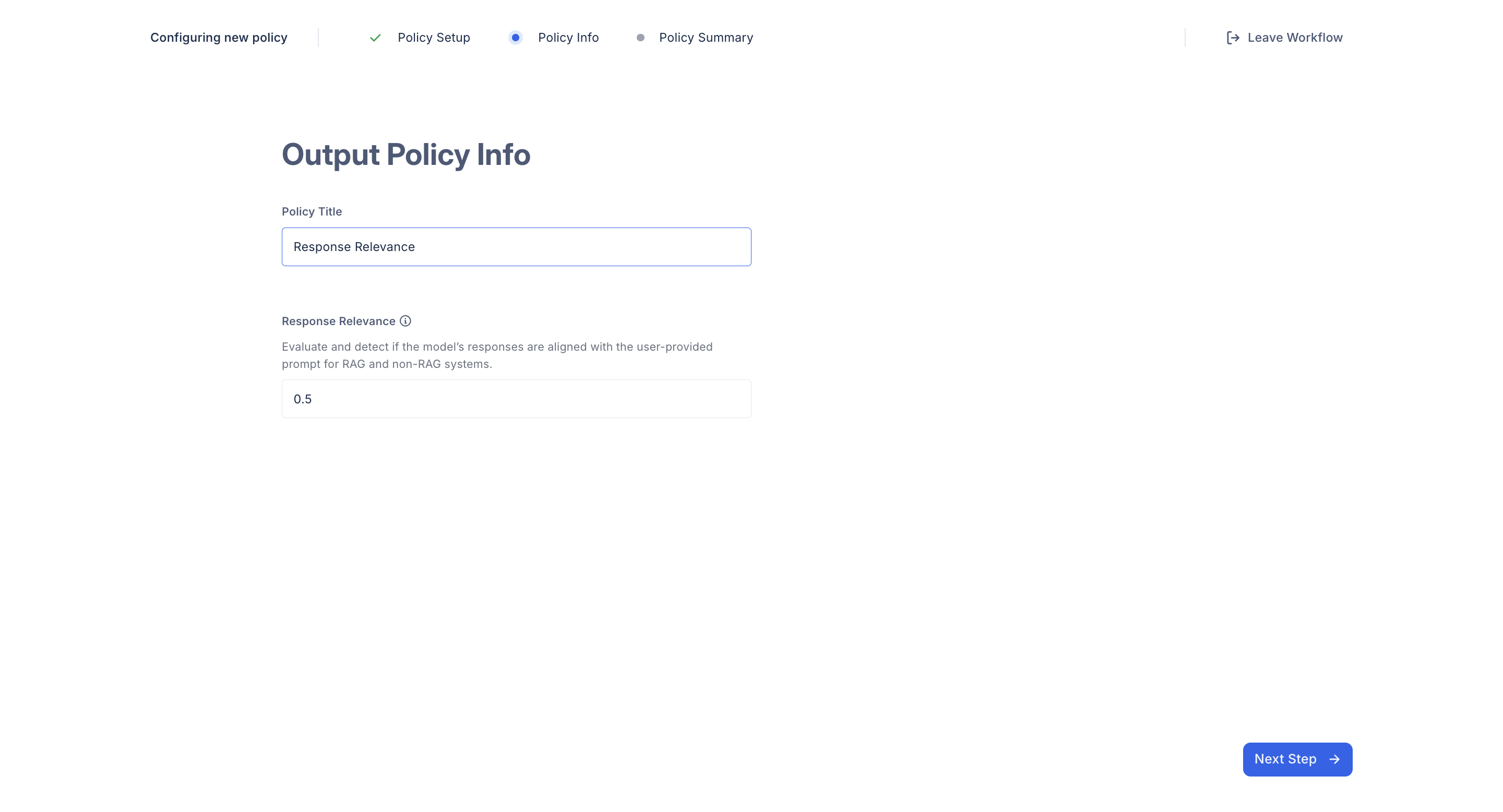
Provide a policy title, this will be used for identification in the future. In this step, you can also set a threshold score for both submetrics. Scores lower than the thresholds are considered hallucinations.
- For the response relevance policy, the score indicates the relevance of the model response to the user input. A higher score indicates a more relevant response.
4. Finalize and Create your Policy
Once you’ve completed the setup, click Create Policy. The newly created policy will appear in your Policy Dashboard, where you can manage and track all your policies.